Enrollments
An Enrollment will have one or more EnrollmentItems. There can be an enrollmentItem for each provider type (school, sponsor, employer).
Behaviors
- user comes in from provider/program link
- enrollmentItem is created with providerId & programId (intended program concept)
- this can be used to filter the cohorts that are shown to a customer
- user selects a cohort
- provider & program are updated to belong to the selected cohort
- if a payment option was previously selected, it's cleared along with the invoice. A new invoice will need to be generated based on the dates of the new cohort.
- user selects a new payment option
- validation is applied for invoice requirements:
- a program and cohort must have selected prior (program costs and cohort dates are required for invoicing)
- if there are existing invoice items (charges and costs), they are removed.
- payments are never deleted. See /customer/[customerId]/payments_history
- if a payment has been made, the enrollment is canceled instead of deleted to provide history for what the payment was for.
- if enrollment type === `SCHOOL'
- if dependentPaymentOption is detected
- an additional enrollmentItem is automatically added to the Enrollment and invoicing generated for the dependentPaymentOption
- if dependentPaymentOption is detected
- invoicing should be viewed by navigating to the customer enrollment view: /customer/[customerId]
/enrollment/[enrollmentItemId]
- See last screenshot below
- the
Customer Invoicetab shows the charges, costs, and payments that are to or from the customer for that enrollment. - the
Internal Invoicetab shows all of the charges, costs, and payments for that enrollment, including internal charges, etc. This is useful for testing the invoice generators.
- validation is applied for invoice requirements:
Screenshots (Admin Portal)
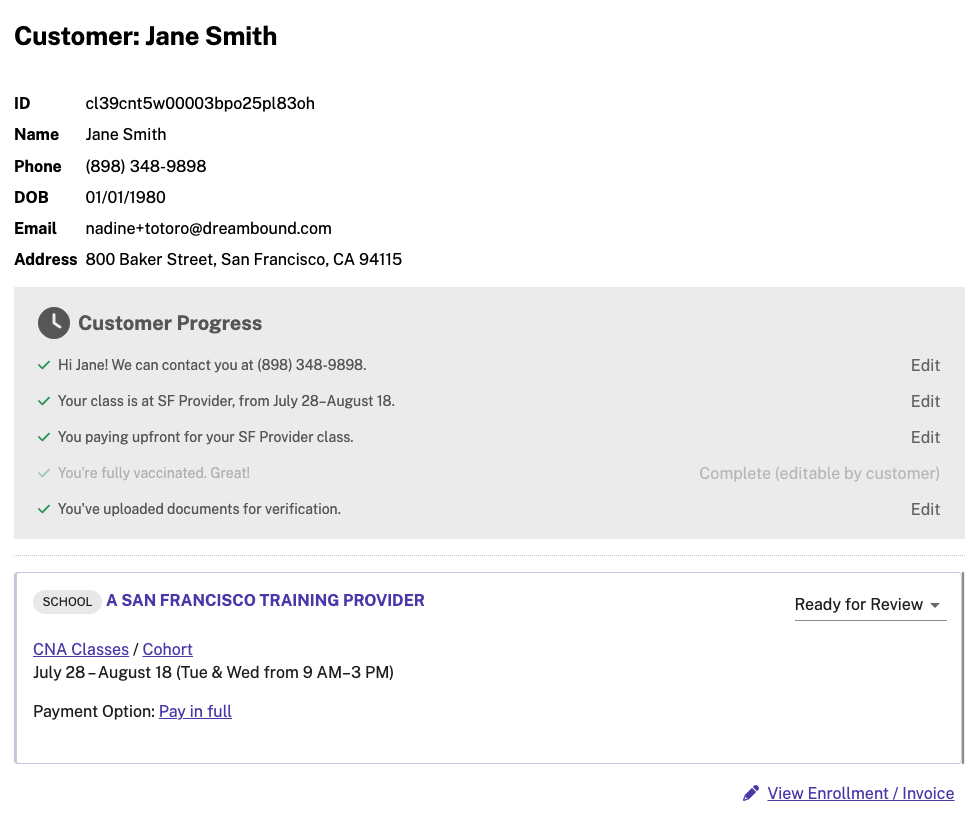
Example customer enrollment with pay in full
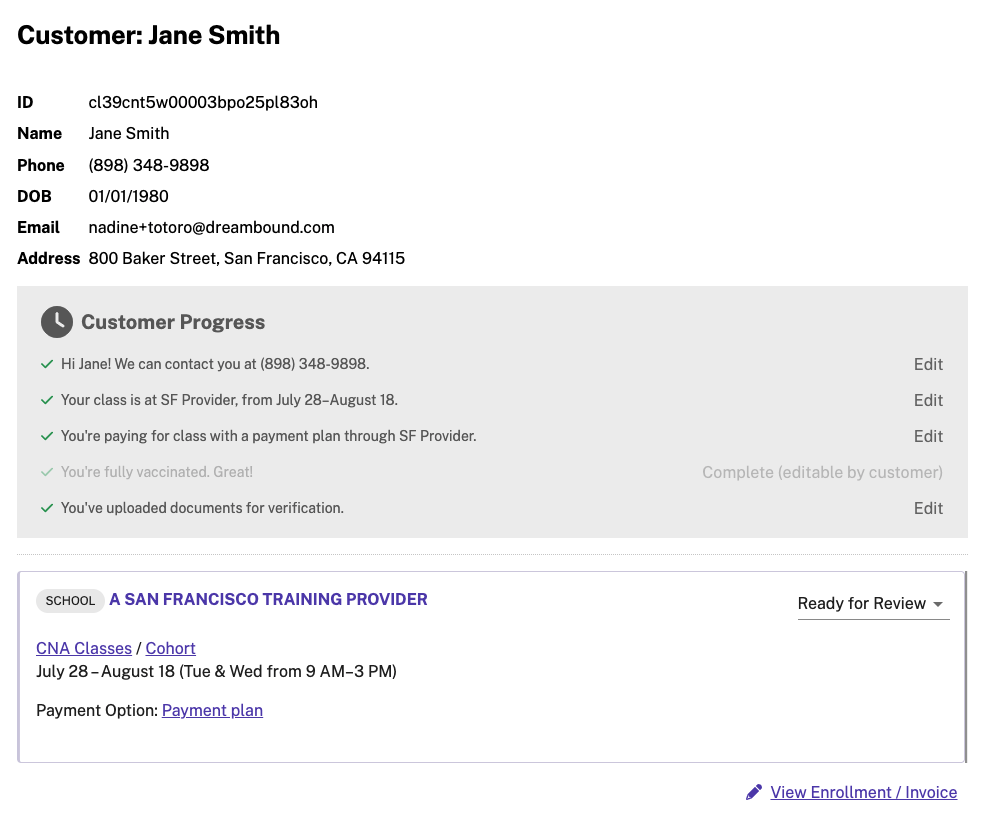
Example customer enrollment with payment plan